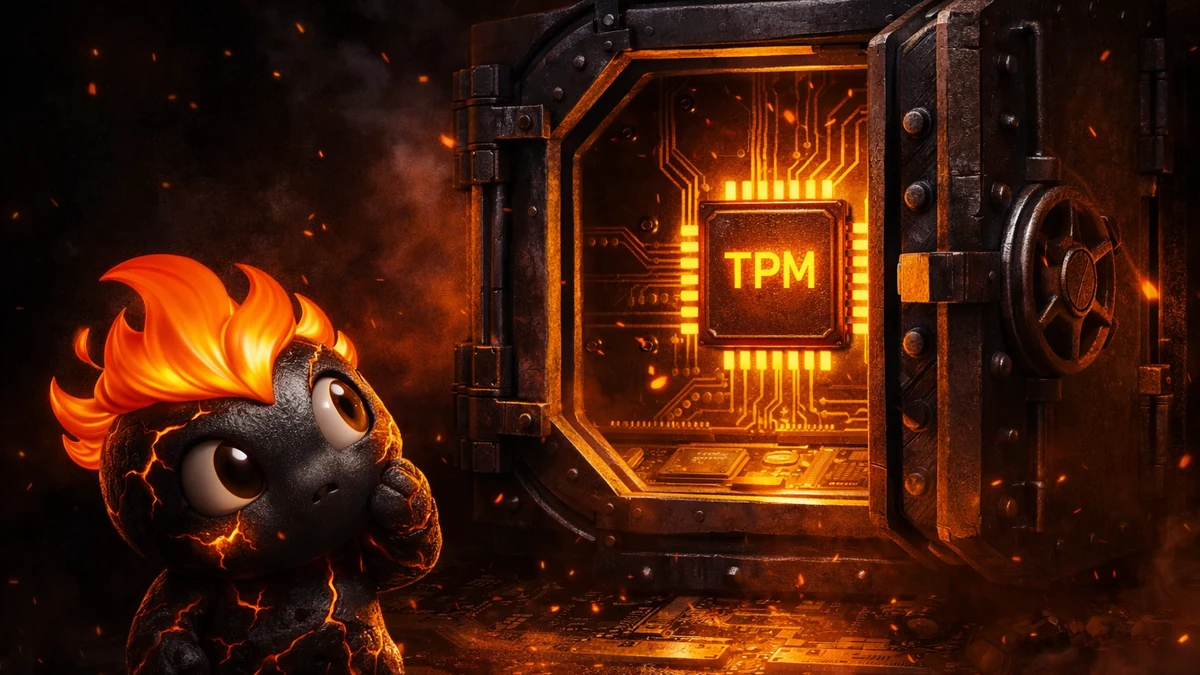
A cheat for Battlefield 6 will not launch if Secure Boot is disabled on the system or there is no active TPM 2.0: this is a requirement of the game itself, checked by the EA Javelin anti-cheat before you even enter a match, and it does not depend on which specific cheat you choose. The problem is bigger than it looks, since some motherboards from 2016-2018 physically do not support TPM 2.0, and on that hardware neither Battlefield 6 nor any software for it will run, no matter how good it is.
We tested the cheats from the Battlefield 6 cheats catalog specifically on a configuration with UEFI Secure Boot enabled and a physical TPM chip, not on emulation, because that is how the system looks for the vast majority of real buyers after this season's patches. Below is exactly what Javelin checks, which boards may fail the check, and what to do if you cannot enable Secure Boot.
What EA Javelin actually checks when Battlefield 6 launches
EA Javelin is a kernel-level anti-cheat built into the system at the Windows kernel level, not just a process that analyzes behavior during a match. Before the client starts, it checks four things at once: whether Secure Boot is enabled in UEFI, whether TPM 2.0 is active, and whether VBS (Virtualization-based Security) and HVCI (Hypervisor-protected Code Integrity) are enabled in Windows 11 itself. If any of these points is not met, the game either refuses to launch with a specific error code or asks you to enable the missing component before the next attempt.
In practice, players on EA forums and in Steam discussions most often complain about error code 111 (Secure Boot not detected), and not because someone deliberately turned off protection, but because Secure Boot is disabled by default on many boards by the manufacturer, and some users once disabled it manually to install Linux or an older Windows build. Turning it back on almost always takes a couple of minutes in the BIOS, but that "almost always" is exactly where the problem lies.
TPM 2.0: the difference between a chip on the board and virtual TPM (fTPM)
TPM 2.0 can be either a physical module on the motherboard or built into the processor as fTPM (Intel PTT or AMD fTPM), and Javelin accepts both options equally. The problem appears where neither exists: on boards older than 2016 without a slot for a separate TPM module and without fTPM support in the chipset. For such systems the only solution is replacing the motherboard or the whole build, since no cheat and no Windows setting can get around this, because the limitation sits at the hardware level, not the software level.
Differences in TPM firmware versions between manufacturers
There is a slightly subtler situation as well: TPM 2.0 is present in the system and enabled, but a specific firmware version of the module from ASUS, MSI, Gigabyte, or ASRock works unstably with Javelin after a fresh game patch. In the logs this looks like a one-time launch failure that gets resolved by restarting the client or updating the TPM firmware through the board manufacturer's utility, not like a permanent ban or a cheat detection. We log such cases based on buyer feedback and are in no hurry to change a cheat's catalog status to "on update" when the problem is clearly on the side of a specific firmware version rather than the build itself.
Which platforms most often fail the TPM check
Based on complaints on EA forums and in Steam discussions, the combinations that suffer most are Intel 100/200 series chipset platforms (Skylake/Kaby Lake, 2015-2017) and AMD with chipsets up to and including the 300 series, since formally these have neither a dedicated TPM slot nor Intel PTT/AMD fTPM support in the chipset firmware. Intel 300 series platforms and newer, as well as AMD 400 series and newer, usually support fTPM in software and only need to be enabled in the BIOS, without buying a separate module. A separate category of complaints comes from Hackintosh builds and non-standard server motherboards, where Secure Boot is not provided for by the firmware manufacturer at all.
How to check Secure Boot and TPM status without going into the BIOS
Windows 11 shows both statuses without a reboot: the msinfo32 command in search opens "System Information," where the "Secure Boot State" line immediately says "On" or "Off." For TPM, a separate utility, tpm.msc, opens "Trusted Platform Module Management" and shows the module's version and activity. If both items already say "enabled" but the game or the cheat still complains about an error, the cause is almost certainly VBS/HVCI rather than Secure Boot or TPM itself, and you need to check the "Core Isolation" section in Windows Security.
Gaming laptops: a separate case with Fast Boot and Optimus
On gaming laptops from 2019 onward, TPM 2.0 is almost always present by default, but Secure Boot is often disabled by the manufacturer for compatibility with bootable USB drives used for system recovery or for installing Linux alongside Windows. In addition, some ASUS ROG, Lenovo Legion, and MSI models hide the Secure Boot option in a "Boot Mode" submenu together with the Fast Boot setting and the switch between Optimus and discrete graphics modes: if you cannot find the section at first glance, look there instead of only in the main Security section.
What to do for Battlefield 6 in different scenarios
The set of actions depends on exactly what fails the check when the game or the cheat launches:
- Secure Boot is off but the board supports it: enter BIOS/UEFI (usually the Del or F2 key during boot), enable Secure Boot in the Boot or Security section, save, and restart.
- TPM is in the chipset but not activated: find the PTT (Intel) or fTPM (AMD) option in the BIOS and set it to Enabled, usually next to the Secure Boot settings in the same section.
- The board has no TPM 2.0 support at all: check the exact model on the manufacturer's website for a BIOS update that sometimes adds fTPM in software; if there is no update, upgrading the board becomes unavoidable to run the game at all, not just the cheat.
- Secure Boot and TPM are enabled but the game still complains about an error: check that VBS and HVCI are also active in the Windows security settings (Core Isolation), since Javelin requires all components at once, not one at a time.
- Everything is enabled but a specific cheat build still will not start: check the status of that build on the product page in the ForgeCheats catalog; sometimes the issue is not hardware but a fresh Javelin patch the build is still being adjusted for.
If the game launches after all these steps but a build from our catalog still behaves unstably specifically on your configuration, this is the rare case where it makes sense to contact support right away with the exact board model and BIOS version instead of spending hours picking through settings on your own.
What to choose for Battlefield 6 for this task
Both working builds in the catalog are currently tested specifically on a configuration with Secure Boot enabled and hardware TPM, so the choice between them does not depend on this problem: it depends on budget and feature set.
- For a minimal set without overpaying: BLANK, an inexpensive entry option with ESP and aimbot, enough for regular Conquest without extra settings.
- For playing with a controller and an extended feature set: SHACK, a premium tier with Xbox/PS5 controller support, suitable for both REDSEC and playing season after season.
- If your plans are only a couple of evenings of REDSEC: a cheaper option is enough, since paying extra for the premium tier's expanded functionality does not pay off here.
- If the account has already caught a warning from Javelin at some point: check with ForgeCheats support separately about which build currently shows the most stable undetected status specifically under the latest patch.
Ready to launch a cheat for Battlefield 6
Up-to-date working options with prices, undetected status, and a feature comparison are collected on the Battlefield 6 cheats page →: every build is checked manually on a configuration with Secure Boot and TPM 2.0 enabled, and the list is updated after every seasonal Javelin patch.
For questions about a specific hardware configuration, join our community: Telegram (300+ members) and Discord (2000+ members), where buyers also share which build starts without problems on which boards.
Related read: how the same hardware check ties into HWID bans and your shared EA account.
Frequently asked questions about Secure Boot and TPM 2.0 in Battlefield 6
Why does Battlefield 6 require Secure Boot when it was not needed before?
Earlier games in the series used FairFight, a statistical system with no requirements for how the system boots. EA Javelin works at the kernel level and needs to be sure that no unsigned driver loaded when the computer started, which is why Secure Boot became a mandatory requirement specifically with this game.
Can the Secure Boot check be bypassed with a virtual machine?
No, Javelin detects virtualization and does not allow the game to launch inside a VM without full TPM passthrough and complete hardware support, and the setup itself is too unstable for comfortable play in 128-player Conquest anyway.
Does enabling Secure Boot affect other games and programs?
Usually not: Secure Boot only checks bootloader signatures at system startup and does not interfere with most legitimate software, including the Battlefield 6 cheats from our catalog, which are built for Javelin's current requirements.
What if the BIOS does not show a TPM option at all?
First update the BIOS itself to the latest version through the board manufacturer's utility, since fTPM support is often added exactly through a firmware update without replacing hardware, and only if the option is still missing after the update does the issue come down to the chipset's age.
How quickly does our catalog react to new Javelin requirements after patches?
The ForgeCheats team manually enters a test match with every build after a major patch and changes the card's status based on real cheat behavior, not an automated check: the current status is always visible in the private Battlefield 6 cheats catalog before you buy.
Do VBS and HVCI hurt in-game performance?
A small FPS drop of a couple of frames can indeed be noticeable on processors older than 5 years due to virtualization overhead, but on current hardware from 2020 onward the difference usually is not felt in an actual Conquest firefight, and the requirement is mandatory regardless of system power anyway.