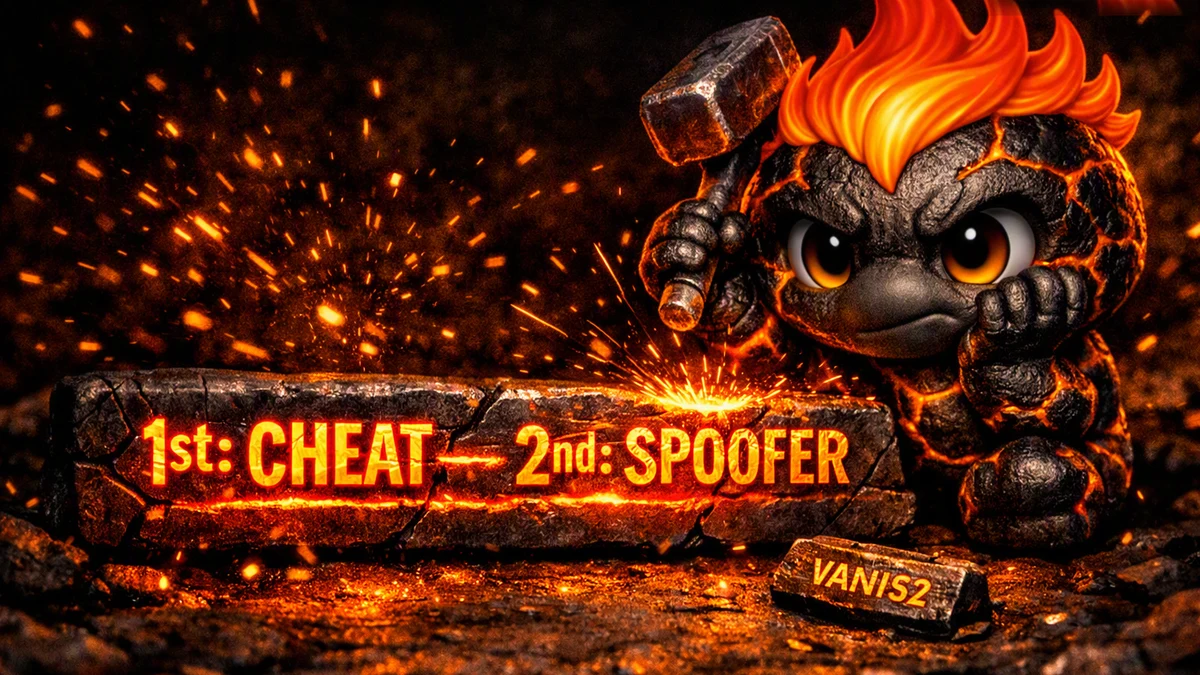
The cheat launches first, the spoofer second: that is the only order that works for the Arena Breakout Spoofer, Delta Force Spoofer, and PUBG Spoofer bundle from Crooked Arms if you want to lift a hardware ban without getting flagged before a match starts. Getting the order wrong is the most common reason people report that the spoofer is bought and running, yet the hardware ban is still there, or the cheat refuses to load its modules after the spoofer starts. The HWID Spoofer catalog on ForgeCheats lists nine working solutions, and three of them, the temporary spoofers for Arena Breakout, Delta Force, and PUBG, require exactly this strict sequence every time you launch the game.
We tested the cheat plus spoofer combo on accounts with an active hardware ban in Arena Breakout Infinite and Delta Force, checking both launch orders on the same PC without reinstalling the system. We tested on the current Arena Breakout Infinite client, in regular random matchmaking, and repeated each launch order several times in a row to rule out a random result. The difference was clear: the correct order lifts the HWID ban and lets you into the match without cheat errors, while the reverse order either leaves the old identifiers readable by the game protection or breaks the cheat itself on launch. Below we break down why this happens, what the working sequence looks like step by step, and which signs tell you the spoofing went through cleanly.
How to launch the cheat and spoofer correctly: a step by step breakdown
Why the order matters
A temporary spoofer from the Crooked Arms lineup does not rewrite HWID at the registry level permanently, it patches identifiers for processes that are already running or about to start, for the length of the current session. If the spoofer starts before the cheat, the game protection can read the original hardware data before the cheat has injected its modules, and the whole combo loses its point. If the spoofer starts after the game has already completed its first scan, the identifier patch may not apply to the right processes at all, because the moment HWID gets read has already passed. For most protections that moment is not tied to launching the executable, it is tied to a later event, such as entering matchmaking or the first check in call to a verification server, and it is that exact moment the spoofer needs to cover, not just opening its window earlier than the game.
That is where the vendor requirement comes from: cheat first, spoofer second, and only then do you launch the game. This order guarantees the cheat loads its modules in a clean environment, while the spoofer covers the identifier swap on top of an already running cheat before matchmaking begins. In practice a five to ten second pause between launching the cheat and launching the spoofer is enough, just long enough for the cheat to fully initialize, there is no need to rush this part.
The exact launch sequence for Arena Breakout, Delta Force, and PUBG Spoofer
The same procedure applies to all three Crooked Arms products. Step 1: reboot your PC, this is required before the first use of the spoofer in the current session, without a clean system start the identifier patch lands on values that are already changed or cached. Step 2: launch the cheat for the game you need and wait for its modules to fully load, usually confirmed by the cheat menu or overlay appearing. Step 3: launch Arena Breakout Spoofer, Delta Force Spoofer, or PUBG Spoofer, depending on the game, and wait for the success message. Step 4: only now launch the game itself and join a match.
- Reboot the PC before the first launch of the combo in a new session
- The cheat launches first and must fully load
- Spoofer launches second, on top of the already running cheat
- The game launches last, already under active spoofing
You do not need to time the gaps precisely, what matters is waiting for visual confirmation at each stage: the cheat menu, the spoofer success message, and only then the game launch icon. It is also worth closing extra background launchers and overlays, such as the Discord overlay or third party screen recording tools, before this cycle, they sometimes stop the cheat from initializing correctly within the expected window.
What happens if you get the order wrong
Reversing the sequence produces two scenarios in practice. In the first, the spoofer launches first, the game protection manages to record the real hardware identifiers before the cheat even starts, and the ban stays active despite the spoofer showing a seemingly successful launch. In the second, the game launches before or almost at the same time as the spoofer, so part of the processes have already read the original HWID, and the swap does not cover every needed module, which means the protection keeps seeing a mix of original and new data. We reproduced the first scenario on a test PC on purpose: spoofer first, cheat second, and after joining a match the hardware ban triggered within a few minutes, even though both products technically ran without errors.
There is also a separate risk for the cheat itself: some builds are sensitive to injection order, and if the spoofer has already rewritten process identifiers before the cheat starts, some cheat features may fail to activate or the client may crash on launch. If the cheat crashes right after the spoofer launches, a reinstall rarely helps, repeating the whole chain from a reboot usually does, because the cause is typically not the products themselves but both processes latching onto the wrong moment. This is not the only possible compatibility mistake, a broader list of typical hardware spoofing errors, including RAID0 and the van152 conflict, is covered in our article on hardware spoofing mistakes.
Why a reboot resets everything and what to do about it
For Arena Breakout Spoofer, Delta Force Spoofer, and PUBG Spoofer, the identifier swap holds strictly until the PC reboots, this is stated directly in the product descriptions. Once you close the game and shut down or restart the system, the original hardware data returns on its own, with no action needed from you. This is good for staying unnoticed, but it means the whole four step sequence has to be repeated before every gaming session, not just once during setup. This is what fundamentally separates a temporary spoofer from a permanent one: a permanent solution rewrites the values at the system level once, while a temporary one only holds the swap for the current process session, which is why the result lasts exactly until the next reboot.
In practice this means that if you play in sessions of several hours in a row without shutting down the PC, you do not need to repeat the sequence, the reset happens specifically on reboot or a full shutdown, not on a normal exit from the game client. If that daily routine gets tiring, a reasonable alternative is a permanent spoofer such as ANCIENT or SMG from the same catalog, they rewrite HWID once and do not require a repeated launch cycle. We cover what to pick for a specific game and budget separately in our article on a permanent versus temporary spoofer.
Signs the cheat and spoofer combo worked correctly
After a correct launch in the right order, several signals confirm the spoofing applied as expected. We checked these signs on the same test accounts we used to verify the launch order, so the list below reflects real observations, not a generic checklist from the manual.
- The cheat launched and its menu or overlay works with no initialization errors
- Spoofer showed a success message instead of an access error
- The game launches and matchmaking completes without an instant disconnect
- After several matches on a previously banned PC, the account gets into the game without a ban screen
If even one of these points fails, check the reverse signs before trying again.
- Spoofer is running, but the hardware ban still triggers when joining a match
- The cheat loses some features or fails to load the overlay after the spoofer starts
- The game was opened before the spoofer finished launching
- Another game session without the cheat happened between the reboot and the combo launch
- The game protection shows a session data mismatch warning right after startup
In most cases a full PC reboot and repeating the sequence, cheat, then spoofer, then game, without skipping steps, solves the problem. If the result does not change after several honest attempts, it is worth contacting support with an exact description of how much time passed between each step.
Where to get the cheat and spoofer for testing
The ForgeCheats catalog lists all three temporary spoofers from Crooked Arms alongside cheats for the same games, see the full list of products and current prices on the HWID Spoofer page. Every spoofer listing in the catalog includes the same official sequencing instructions we cover above, so it is worth checking them again before buying. It is also worth checking the related material: our roundup of typical mistakes in the article on hardware spoofing mistakes and the comparison in the article on permanent versus temporary spoofer, this helps you pick the right combo for your game the first time.
If questions remain after reading about a specific game or combo, ask them in Telegram (300+ members) or Discord (2000+ members), the current undetected status for each product gets confirmed there too.
Questions about launching the cheat and spoofer in order
What order should I launch the cheat and HWID Spoofer in
Fully load the cheat first, only then launch Spoofer, the game starts last. This order is required for Arena Breakout Spoofer, Delta Force Spoofer, and PUBG Spoofer from Crooked Arms and is confirmed by their official instructions. None of the steps can be swapped.
Can I launch the spoofer without a cheat
Yes, if the only goal is lifting the hardware ban without using a cheat, Spoofer launches on its own before the game with no cheat dependency and no extra conditions. The cheat first, spoofer second rule only applies when using both products together in one session, on its own this rule does not apply.
Why does the hardware ban come back after a PC reboot
Temporary spoofers from the Crooked Arms lineup only patch identifiers for the current session, they do not rewrite them permanently at the system level. As soon as the system reboots, the original hardware data restores automatically with no action from you, and the whole launch sequence needs to be repeated before the next time you enter the game.
What should I do if the cheat stops working after launching the spoofer
The combo was most likely launched in the wrong order, and part of the cheat modules got overwritten by the spoofer before they fully loaded. Reboot the PC, launch the cheat first, wait for full initialization through its menu or overlay, then launch Spoofer, and only after that the game itself.
Where can I see all available spoofers for a specific game
The full list of current options, including the temporary spoofers for Arena Breakout, Delta Force, and PUBG, plus permanent solutions like ANCIENT and SMG, is on the HWID Spoofer catalog page on ForgeCheats. The current undetected status and price for each product is listed there too.